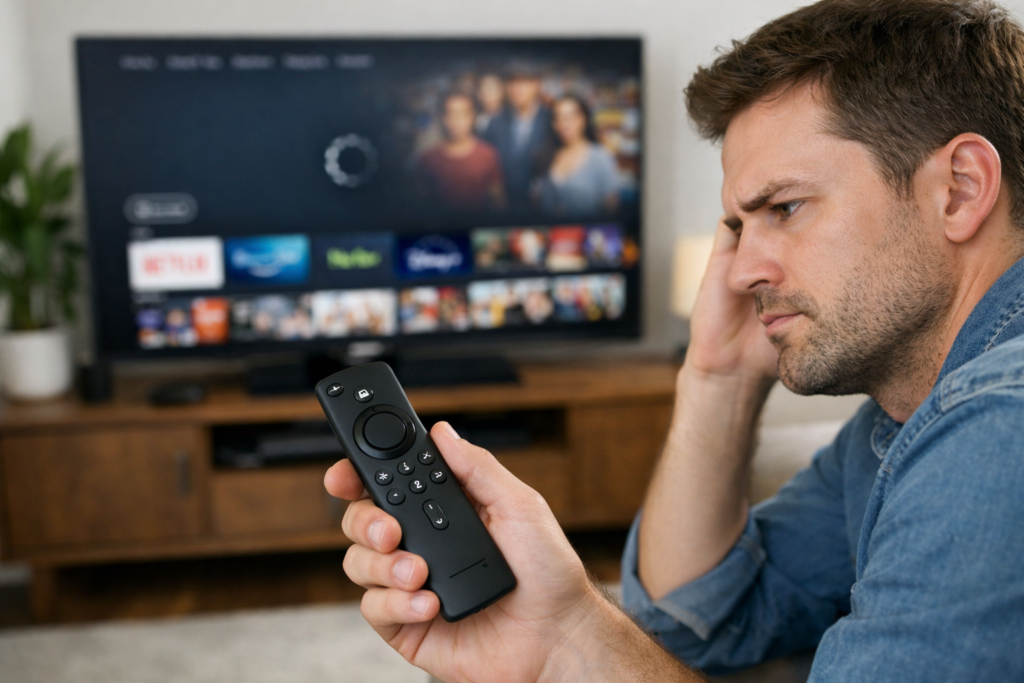
If your Firestick remote is not working properly, you’re not alone. This is a common issue faced by many Amazon Fire TV users. Sometimes the remote stops responding suddenly, buttons don’t work, or the Firestick doesn’t pair at all. The good news is that most Firestick remote problems can be fixed easily at home without replacing the device.
In this guide, you’ll learn why your Firestick remote is not working and how to fix it step by step.
Why Is My Firestick Remote Not Working?
A Firestick remote may stop working due to several reasons. Identifying the cause helps you apply the right fix quickly.
Common reasons include:
- Dead or weak batteries
- Remote not paired with Firestick
- Bluetooth connection issues
- Interference from other devices
- Software glitches on Fire TV
Most of these issues are temporary and can be resolved in a few minutes.
Check the Batteries First
When your Firestick remote is not working, batteries are the most common cause.
What to do:
- Remove old batteries
- Insert new alkaline batteries
- Ensure correct battery orientation
- Avoid rechargeable batteries for testing
After changing batteries, wait a few seconds and try using the remote again.
Restart Your Firestick Device
Restarting the Firestick can fix minor system glitches that cause the remote to stop responding.
Steps:
- Unplug Firestick from the power source
- Wait for 30–60 seconds
- Plug it back in
- Let the device fully restart
Once restarted, check if the Firestick remote starts working again.
Re-Pair the Firestick Remote
If your Firestick remote is not working even after changing batteries, re-pairing the remote is often the solution.
How to re-pair:
- Turn on your Fire TV
- Hold the Home button on the remote for 10 seconds
- Wait for the pairing message on the screen
Make sure you are close to the Firestick while pairing.
Remove Bluetooth Interference
Firestick remotes use Bluetooth, not infrared. Nearby wireless devices can interfere with the signal.
Try this:
- Move Wi-Fi routers slightly away
- Turn off unused Bluetooth devices
- Remove obstacles between remote and Firestick
Reducing interference often fixes cases where the Firestick remote is not working consistently.
Use the Fire TV App as a Temporary Remote
If your physical remote is not working at all, Amazon’s Fire TV mobile app can help.
Steps:
- Install the Amazon Fire TV app on your phone
- Connect your phone to the same Wi-Fi network
- Use the app as a remote to control Firestick
This method helps you navigate settings and troubleshoot further.
Update Firestick Software
Outdated software can sometimes cause remote connectivity issues.
To update:
- Go to Settings
- Select My Fire TV
- Choose About
- Click Check for Updates
Installing the latest update may resolve the Firestick remote not working issue.
Reset the Firestick Remote
If nothing works, resetting the remote may help.
Basic reset method:
- Unplug Firestick
- Remove remote batteries
- Plug Firestick back in
- Reinsert batteries
- Hold Home button for 10 seconds
This resets the remote’s connection with the Firestick.
When to Replace the Firestick Remote
If your Firestick remote is still not working after all fixes, the remote may be damaged.
You should consider replacement if:
- Buttons are physically damaged
- Remote doesn’t pair at all
- Battery contacts are corroded
Replacement Firestick remotes are easily available online and work instantly after pairing.
Prevent Firestick Remote Issues in the Future
To avoid future problems:
- Replace batteries regularly
- Keep the remote clean
- Avoid dropping the remote
- Keep software updated
These small habits help extend your remote’s lifespan.
Final Thoughts on Firestick Remote Not Working
A Firestick remote not working can be frustrating, but most problems are easy to fix. From changing batteries to re-pairing the remote, these solutions cover nearly every common issue. Before buying a new remote, try these steps and save both time and money.
If the issue continues, using the Fire TV mobile app or replacing the remote are reliable options.